
A Simple Lead Follow-Up Workflow for Small Businesses
Map a lead follow-up process with duplicate checks, clear ownership, human approval and a visible exception queue.

A reliable follow-up process makes the next action visible. It does not need to begin with automated personalised messages. Start by making sure every genuine enquiry is recorded, assigned and reviewed. The workflow below is an illustrative design to adapt and test.
1. Define the input
Choose a known source, such as an enquiry form used by people contacting your business. List the fields needed to handle the request: a contact method, the stated need, the source and the submission time. Do not collect extra information simply because a form allows it.
Record communication preferences where relevant. Before sending marketing messages, check the requirements that apply to your recipient, location and channel. An operational workflow does not establish permission for unrelated outreach.
2. Validate and check for duplicates
Confirm that essential fields are present and usable. Define a duplicate rule using a stable identifier appropriate to the process. A second enquiry from an existing contact may be new information rather than a duplicate to discard.
Route incomplete or ambiguous records to a review queue. Do not silently drop them. Keep enough context for a person to understand why the item needs attention.
3. Assign an owner and next action
Create an internal task or update the customer record. Include the original enquiry, a clear owner and the next action. Choose a due date based on your actual service process rather than an unsupported response-time promise.
| Stage | Expected result | Exception |
|---|---|---|
| Receive | Enquiry recorded once with its source. | Missing required fields go to review. |
| Assign | A named person owns the next step. | Unassigned items remain visible in a queue. |
| Prepare | Relevant facts and an optional reply draft. | Uncertain information is flagged. |
| Approve | A person checks and sends an appropriate reply. | Unsupported claims are corrected first. |
| Record | Status and next action are updated. | Failed updates trigger an alert. |
4. Use AI assistance where it can be checked
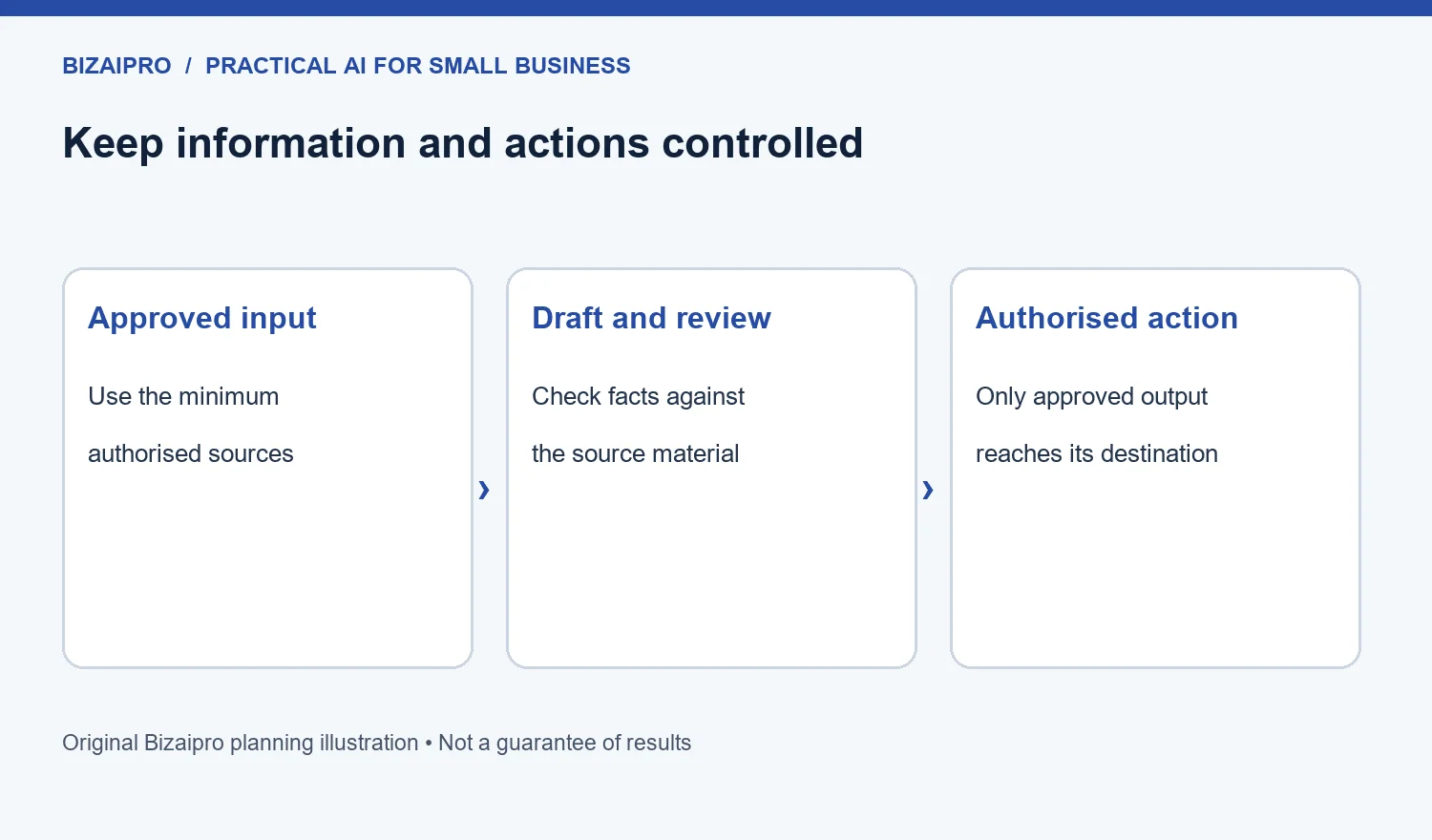
An AI step may summarise the enquiry or prepare a draft from approved product information. Require it to preserve uncertainty and identify questions it cannot answer. Do not let it invent a price, availability, discount or relationship with the contact.
Have the owner compare the draft with the original enquiry before sending. Keep the original source accessible; a summary should not replace it.
5. Test the failure paths
Use fictional records to test missing fields, repeated submissions, unavailable connections and failed updates. Check whether rerunning a failed step creates duplicate tasks or messages. Confirm that a person can pause the process and complete the work manually.
Give connected tools only the permissions needed for the workflow. Record who owns the integration and where its configuration is documented.
6. Monitor a few useful measures
- Enquiries with no assigned owner.
- Time from enquiry to a reviewed next action.
- Duplicate records and failed updates.
- Drafts requiring substantial correction.
- Requests left unresolved in the exception queue.
Review these measures with the people doing the work. A system that sends more messages is not necessarily producing better follow-up.
See business automation for the core design principles and use the comparison worksheet to verify whether a platform supports your exact trigger and actions.
AI customer-service workflows and chatbot budgets
Keep ownership, permission and escalation visible when AI assists customer communication.
How much does it cost to develop a chatbot?
Estimate the complete service: approved knowledge sources, integrations, interface, usage charges, evaluation, monitoring and human escalation. Start with one bounded use case and require an itemized quote. A basic prototype is not the same as a production support system.
What should an AI lead follow-up workflow automate?
Use automation for routing, reminders and drafts based on approved facts. Keep human approval for promises, sensitive information and unusual cases. Prevent duplicate messages, respect communication preferences and record who owns the next action.